
Watson TCG card scanner: can it scan your cards?
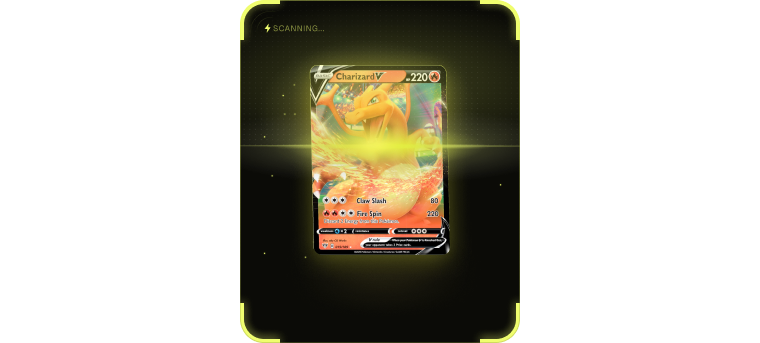
Can Watson TCG scan your cards?
WatsonTCG is a retailer, not a card scanner. A Watson TCG card scanner can help you identify a supported physical single after you open the package. The scanner suggests catalog candidates. You confirm the game, set, collector number, language and finish before you save a holding or read a price reference.
The store name does not identify the card. WatsonTCG sells Pokémon, Magic: The Gathering, One Piece, Disney Lorcana and other products. A Watson listing can be sealed inventory, a graded card or a single from a supported game. Scan the physical card and check the printed details.
How to scan a WatsonTCG card
- Open the pack or confirm that you bought an individual card. A sealed box is a product record, not a single-card match.
- Take a clear photo of the full card. Keep the card flat, reduce glare and keep the card edges visible.
- Review the suggested result. Match the game, expansion, collector number, language and finish with the physical card.
- Save the card you own in CardScanFox, or search again when the candidate does not match.
The general scanning guidance from TCGplayer also recommends a plain background, the full card in frame and reduced glare. These are image-quality practices. They do not prove that another app supports the same game or printing.
What the Watson TCG card scanner can identify
CardScanFox has scan and catalog workflows for the following WatsonTCG product categories when the exact card record is supported:
- Pokémon. Confirm the expansion, collector number, finish and language. Use the Pokémon card scanner.
- Magic: The Gathering. Check the set symbol, collector number and foil or alternate treatment. Use the MTG card scanner.
- One Piece. Confirm the card code, artwork and variant. Use the One Piece card scanner.
- Disney Lorcana. Confirm the card number, language and treatment. Use the Lorcana scanner section.
Riftbound, sealed booster boxes and other changing store inventory need separate verification. The retailer name alone does not prove CardScanFox coverage.
Why a scan can return the wrong printing
A character name or artwork can appear on more than one card. A result can also differ by set, number, language, finish or product stamp. Do not save a candidate only because the Pokémon or character name matches.
Use the card identifier when you need a text lookup, or search the catalog by name, set and collector number. If the exact record is missing, keep the result unresolved. Do not substitute a different printing or its price.
What happens after the scan?
After you confirm the printing, you can open the card price checker for the available reference and observation date. Record a raw condition or the company and grade already printed on an existing slab. Add cards you own to the collection tracker. A WatsonTCG purchase price remains a separate transaction detail.
A published reference is not a guarantee of a sale. A missing price is not zero. CardScanFox does not authenticate a physical card or predict a third-party grade from a photo.
WatsonTCG and CardScanFox are separate services
CardScanFox is an independent collection and price-checking app. This guide does not imply a partnership with WatsonTCG or access to its order records. Check the seller’s current stock, product condition and delivery terms on WatsonTCG before you buy.