
Identify a card from a photo
Find likely catalog matches and confirm the printing.
Read the guideCardScanFox is an AI-powered trading card scanner and collection management platform that helps collectors identify trading cards, explore card prices, and manage their collections across multiple TCG and sports card categories.
Use CardScanFox on iPhone or Android to identify physical cards and confirm the printing. Track cards you own in Portfolio and cards you want in Wishlist.
Choose your download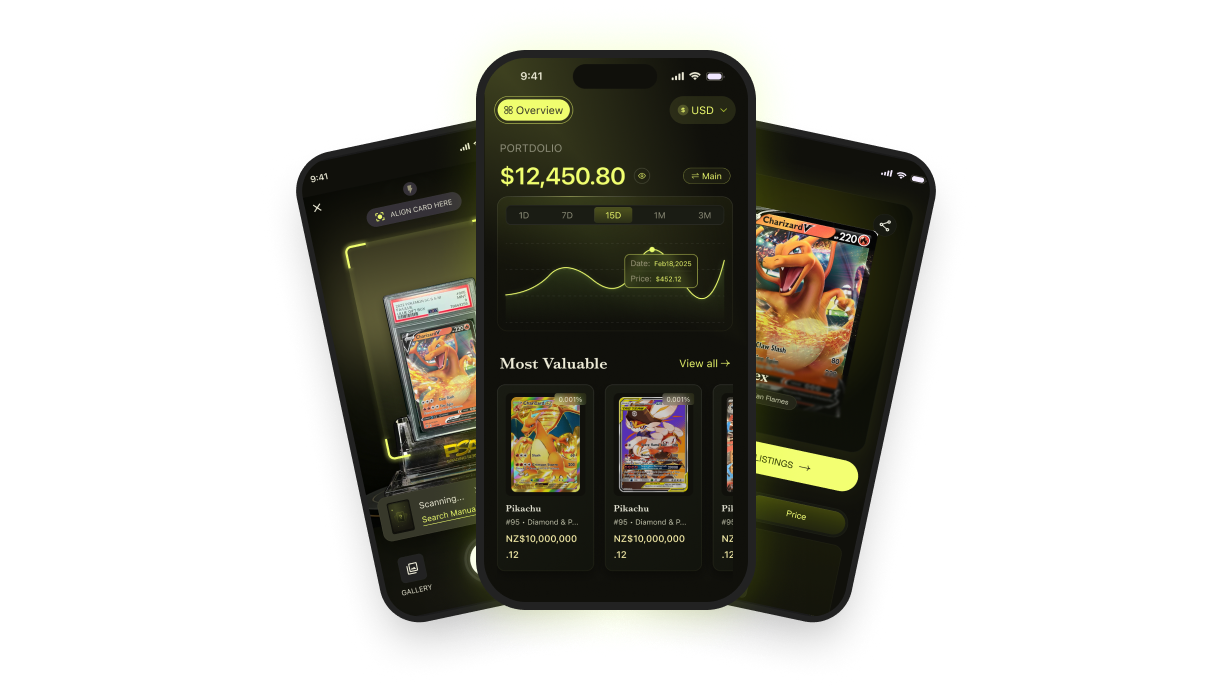
Find likely catalog matches and confirm the printing.
Read the guideQueue up to 10 images and review each match.
Read the guideRecord quantities, condition and existing slab grades.
Read the guideGive confirmed holdings a useful place.
Read the guideKeep raw and already graded holdings separate.
Read the guideUse the independent Chrome extension.
Read the guideCardScanFox is free to download on iPhone. Free access currently includes 10 successful scans per account or guest identity, with no daily or monthly reset. Failed scans and no-match results do not consume this allowance. Check the current in-app Premium offer and purchase terms before buying.
No. The queue holds up to 10 separate camera or gallery images for individual review. Queue capacity and your remaining free scans are separate limits. Review each set, full card number, language and finish before saving. The queue does not scan an entire binder page from one photo.
Do not save a candidate that does not match your card. Check the set, full card number, language and finish. Try a straight-on photo in even light or search the catalog by name, set or number. If the exact printing is absent, do not substitute a different version or its price.
Read source-backed workflow comparisons. No recognition speed or accuracy winner is inferred from a feature table.
Existing game-specific scanner guides retain their original addresses.