


Scan Cards.
Track Your Collection.
CardScanFox is an AI-powered trading card scanner and collection management platform that helps collectors identify trading cards, explore card prices, and manage their collections across multiple TCG and sports card categories.
Multi-game Card Database
Look up TCG and sports cards by name, set or number. Match the printing before comparing prices.
Browse the catalog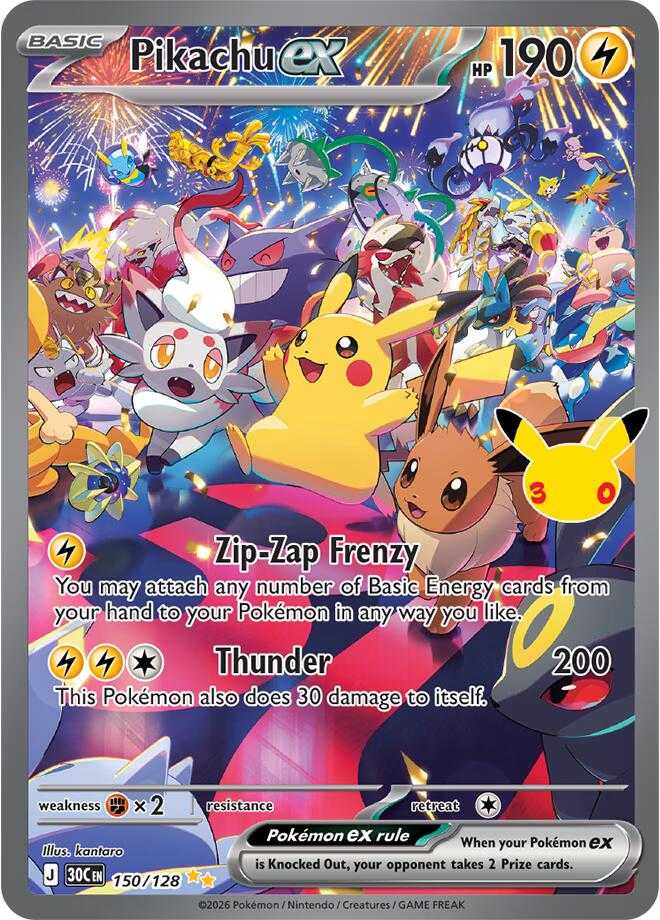

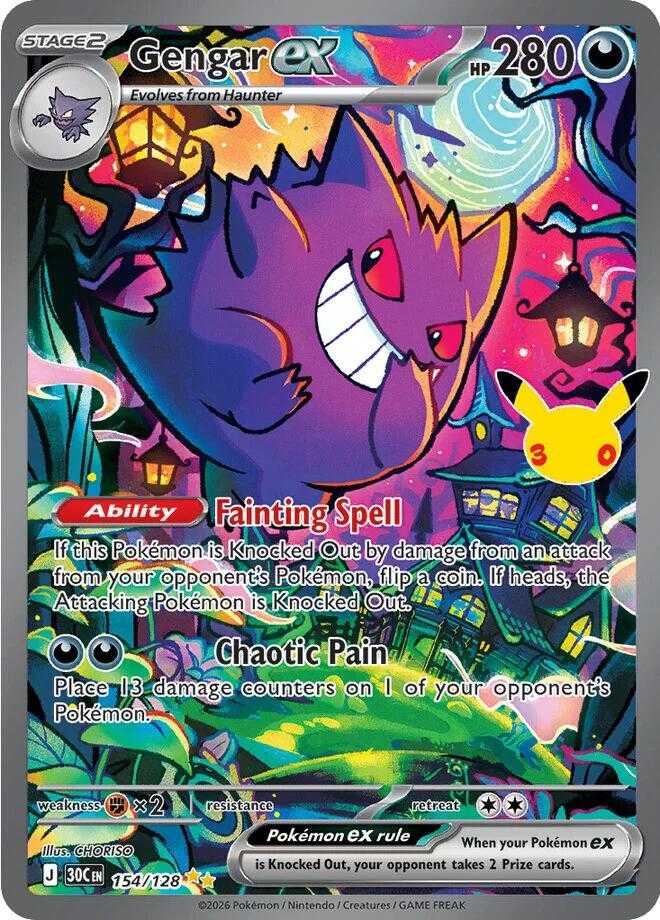
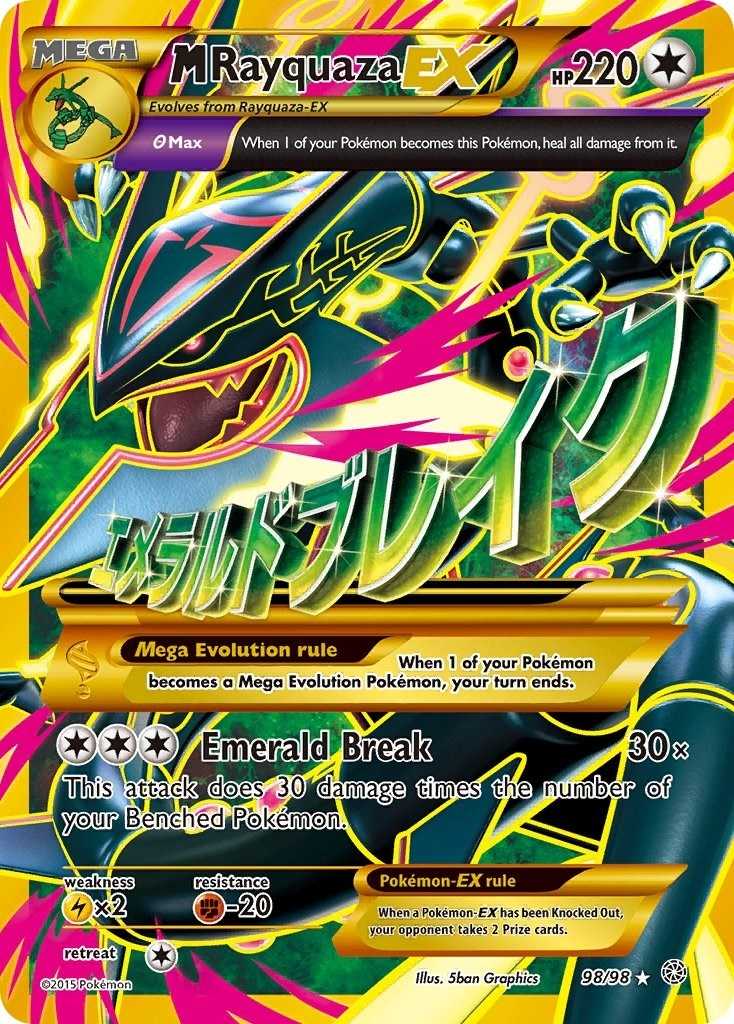
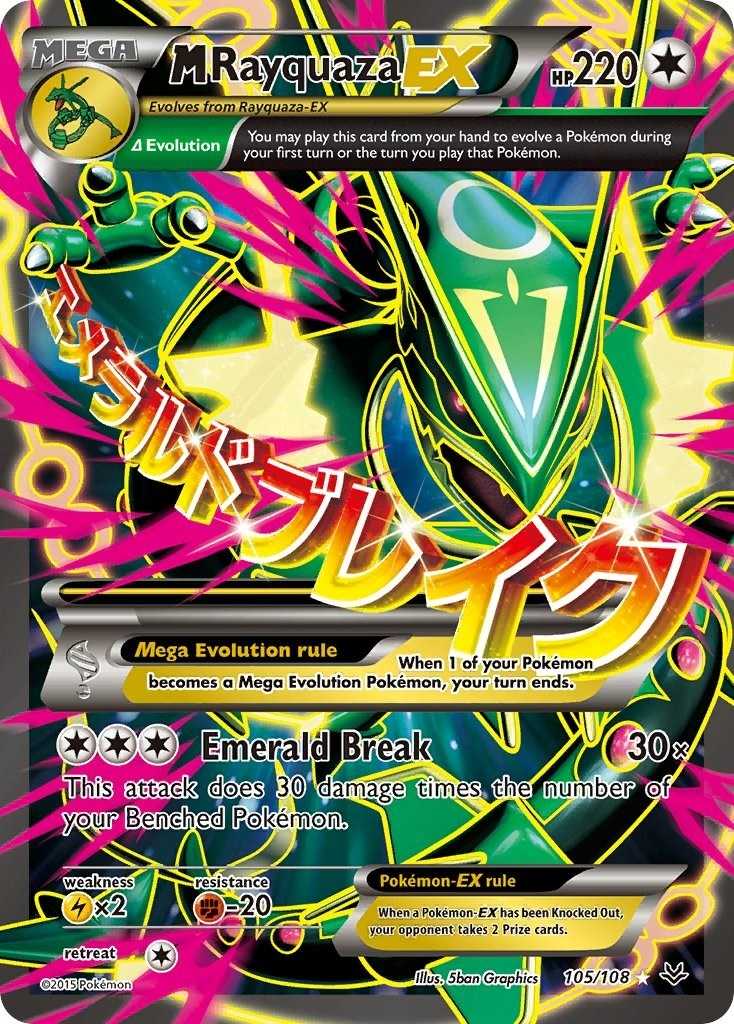
Check Pokémon card prices. Browse Magic: The Gathering, One Piece, Yu-Gi-Oh!, Lorcana and other TCG and sports cards.
Explore these Pokémon topics.
Start with the anniversary cards, compare Rayquaza printings, or read the latest release guide.
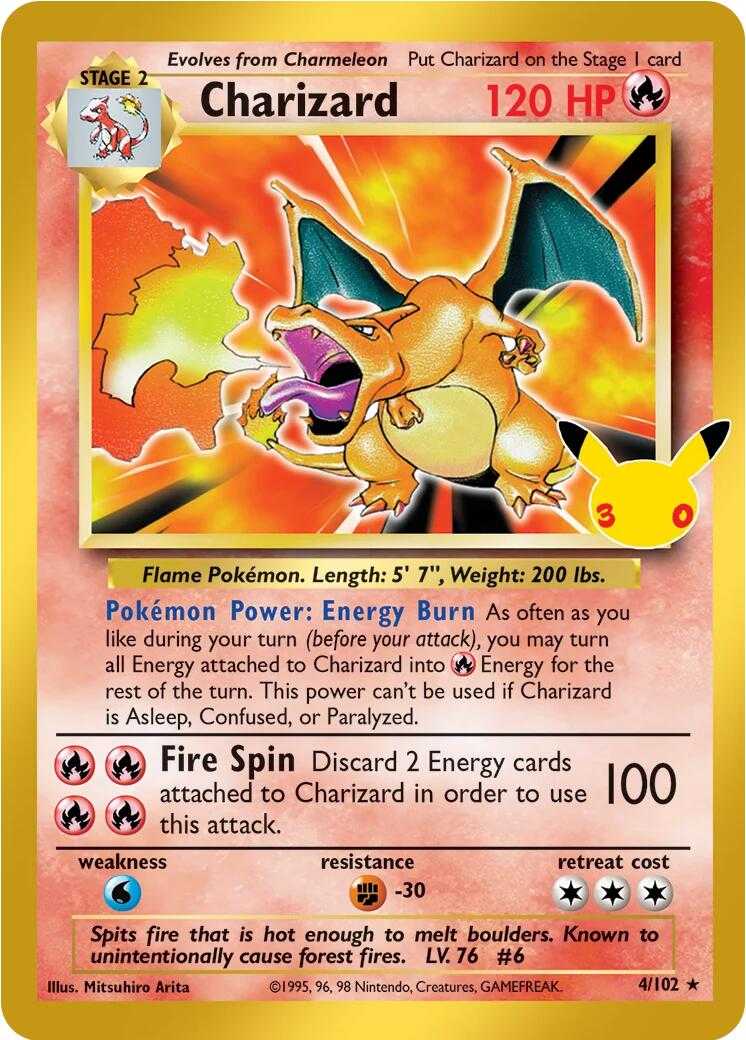
Pokémon 30th Celebration
Find the anniversary printings, Classic Collection and their price references.
30th anniversary guideMega Rayquaza ex
Roaring Skies or Ancient Origins? Match the set and full collector number.
See 98/98 card detailsDelta Reign card list
Find all 141 numbered English cards, including 38 secret cards.
Compare Delta Reign Elite Trainer BoxesApp Features
Scan cards, follow prices, and manage what you own in the CardScanFox app.
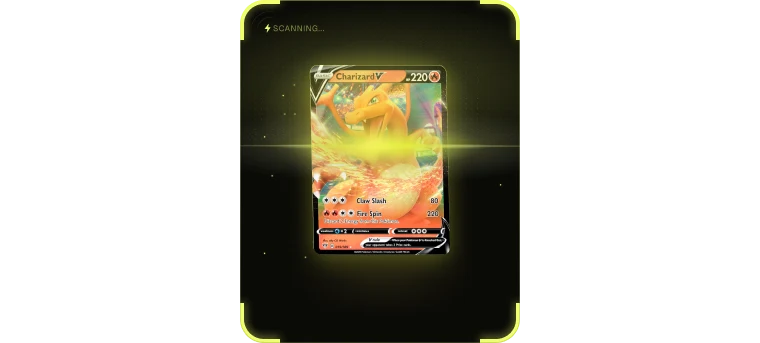
Find the correct printing.
Compare the set, collector number, finish and language with the card in your hand.
Try the web scanner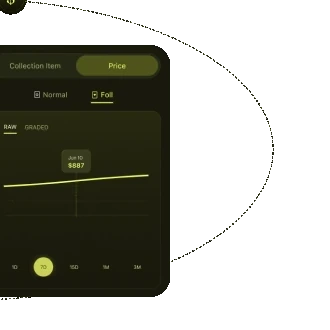
Check a dated price reference.
Compare the published amounts for the printing and condition you selected.
Read the price methodology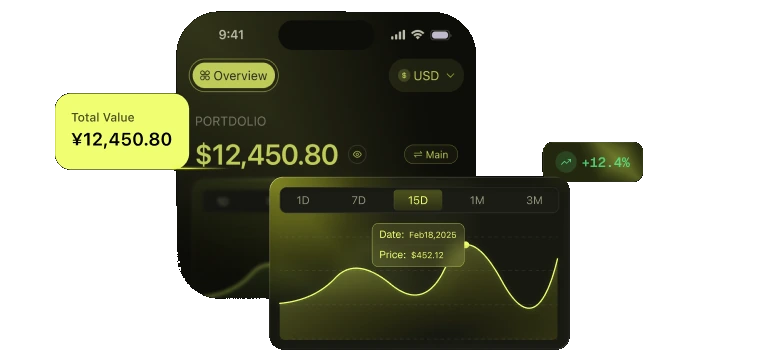
Know what you own.
Record quantities, organize your holdings into folders, and save cards you want in your Wishlist.
App screenshots use example values.
How It Works
Follow the same steps for each card so your holdings stay accurate as your collection grows.
- 1
Find
Scan a photo or search by name, set or number.
- 2
Confirm
Check the printing, language and finish.
- 3
Record
Add quantity, raw condition or the grade on your slab.
- 4
Collect
Organize holdings and follow available price changes.
Website and App
Use the website to identify a card and check prices. Use the app to record and organize the cards you own.
About CardScanFoxYour next taskWebsiteApp
Look up cards and reference prices
Identify a physical card from a photoWeb tool
Record holdings, condition and quantityIn the app
Manage Portfolio, folders and WishlistIn the app
Collecting Guides
Compare printings, understand prices and find the right scanner for your collection.
Browse 100 card questions · Visit the journal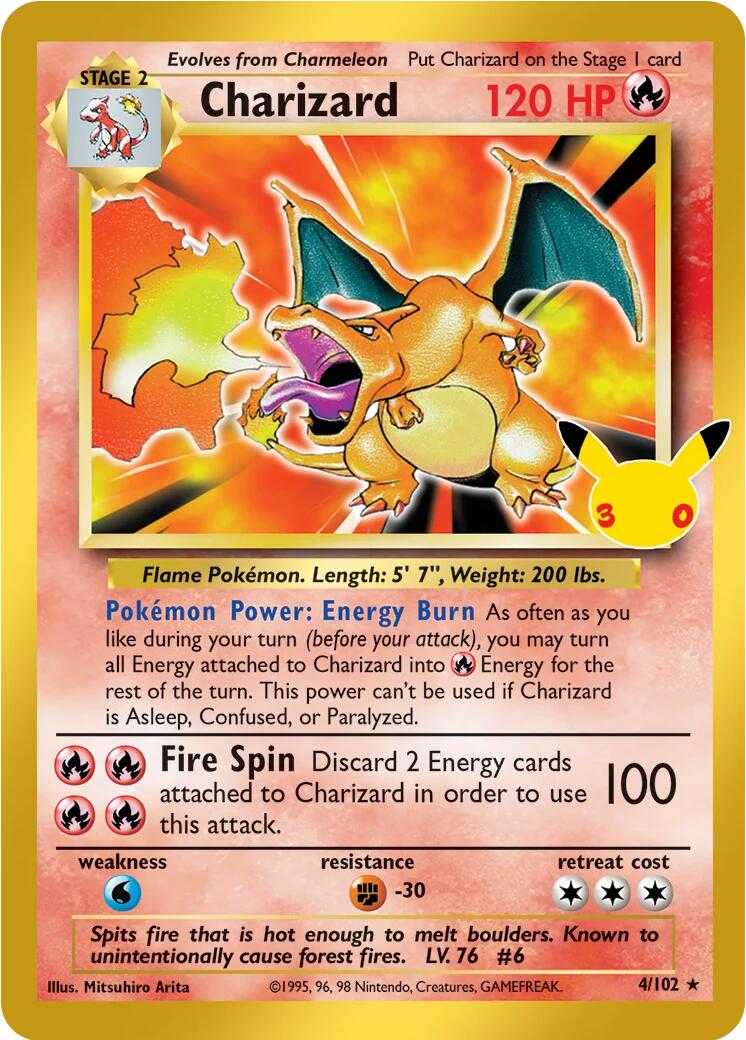
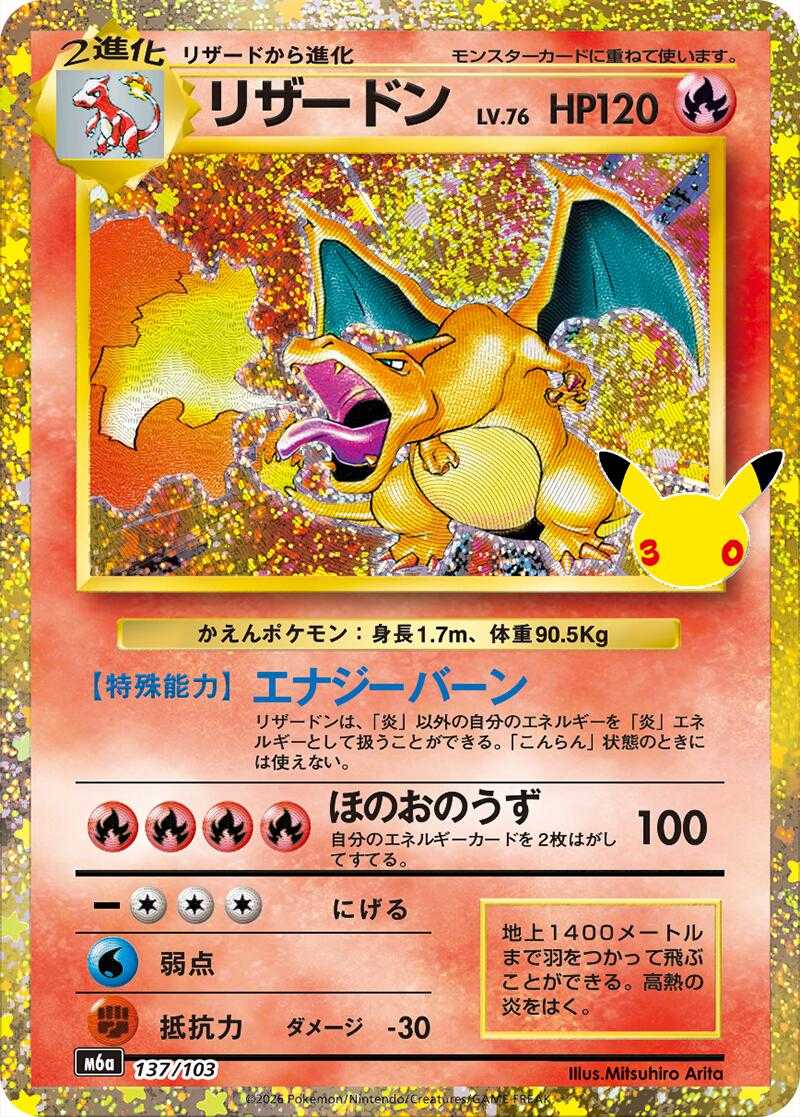
values2026-09-22
What is my trading card worth?
A practical guide to checking what a trading card is worth, why the same card has several different prices, and which number actually applies to your copy.
values2026-09-21
Raw vs graded cards, and what grading does to value
Why graded cards trade at a premium over raw copies, how the gap between grades works, and when grading a card is worth the cost and the wait.
CardScanFoxvsLudex
comparisonsSource article
CardScanFox vs Ludex: scan to collection or scan to listing?
Compare the documented CardScanFox and Ludex workflows for reviewing card scans, researching prices, managing a collection, and listing on eBay.
Frequently Asked Questions
All questionsWhat kinds of cards can I look up?
Browse supported TCG and sports-card records. Catalog coverage and published prices vary by game and printing.
Do I need to scan a card to find a price?
No. Search by name, set or card number. Confirm the printing and the copy’s condition or existing grade before using an available price reference.
Why can a card have no price?
A catalog record can exist without a matching published price. Missing coverage does not mean zero value. A different printing’s amount is not substituted.
What does saving a card on this website do?
Saved references stay in this browser. Portfolio, folders and Wishlist are managed in the app.
What collectors say
“track portfolio value and look up market prices during trades.”
“No more saving card pics just to look them up.”
“compare possible matches”
“shows price info clearly.”
Chrome review summaries
Found unfamiliar cards easy to look up and noted that image quality and lighting can affect results.
Read original review ·Checked Pokémon and Magic card prices while shopping online.
Read original review ·
6 more Chrome reviews
Hovered over a card image and adjusted the crop to see matching cards.
Read original review ·Checked possible matches, confidence scores, and prices while browsing card listings.
Read original review ·Said the extension saved time looking up cards while organizing a collection.
Read original review ·Found it useful to see matches and prices without leaving the shopping page.
Read original review ·Liked being able to check what their cards might be worth.
Read original review ·Said card lookup and price information helped with trades and inventory work.
Read original review ·

Website lookup and app scanning
Can I scan a photo on this website?
Yes. Open the Pokémon card scanner, trading card identifier or sports card scanner to choose one card photo and compare matches on the page. The photo is processed in your browser; its vector is sent for catalog matching. You can also search by name, set or number.
Does saving a card on the website add it to my app collection?
No. Website Saved references stay in this browser. Manage owned holdings and Wishlist in CardScanFox.
How many free scans does the iPhone app include?
CardScanFox is free to download on iPhone. Free access currently includes 10 successful scans per account or guest identity, with no daily or monthly reset. Failed scans and no-match results do not consume this allowance. Check the current in-app Premium offer and purchase terms before buying.
Does the 10-image queue give me 10 new free scans?
No. The queue holds up to 10 separate camera or gallery images for individual review. Queue capacity and your remaining free scans are separate limits. Review each set, full card number, language and finish before saving. The queue does not scan an entire binder page from one photo.
More about CardScanFox
CardScanFox.
Scan cards. Know their value.
Identify a card from a photo, check the available price for its exact printing, and track the cards you own in the CardScanFox app.


Data Encrypted in Transit
Privacy Controls
Built for Collectors
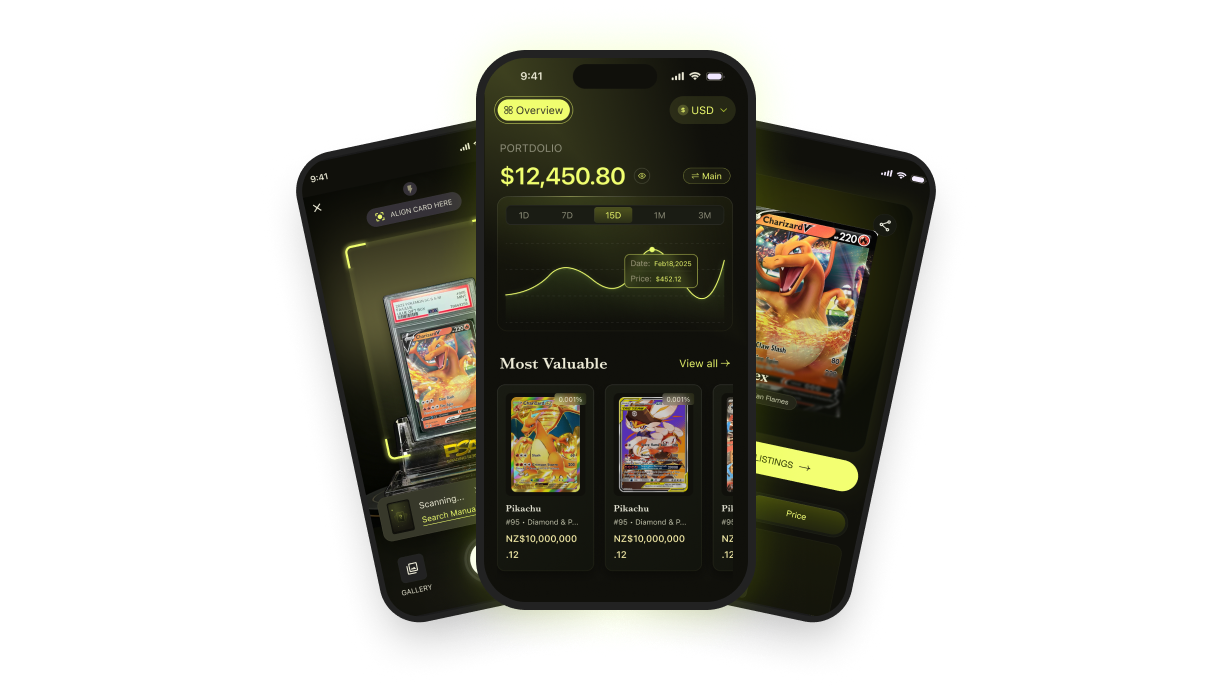
Powerful Tools
for Effortless Collecting.

AI-Powered Card Recognition
Take a photo to find likely card matches, then confirm the language and printing details in Review.
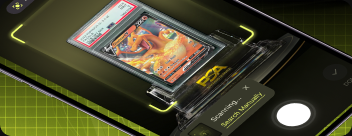

Available Card Prices
Check published prices and follow available price history.
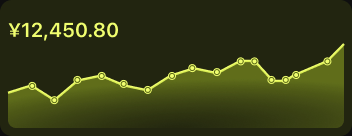

Portfolio Management
Keep collection value, featured cards, and current market data in one place.
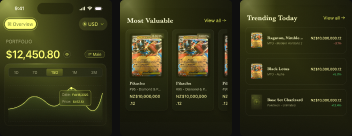

Card Details & Market Data
Verify card identity, grading details, price history, and available marketplaces.

Wishlist
Keep cards you are watching separate from the cards you own.

Multi-Game Support
Manage popular trading card games and sports cards through a unified workflow.
From Card to Collection in Three Simple Steps.
Scan
Photograph or select cards to find likely catalog matches.
Confirm
Review the match, confirm the printing, and record a raw condition or existing slab grade.
Track
Get valuations and trends to refine your collection.
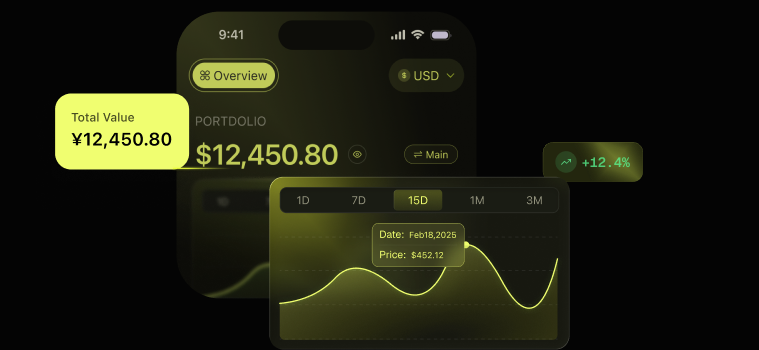
See Your Collection
at a Glance.
Total value, performance trends, and collection composition in one view.
- Current Valuation Updates
- Collection Distribution Analysis
- Featured Card Highlights
- Multi-Dimensional Filters & Sorting
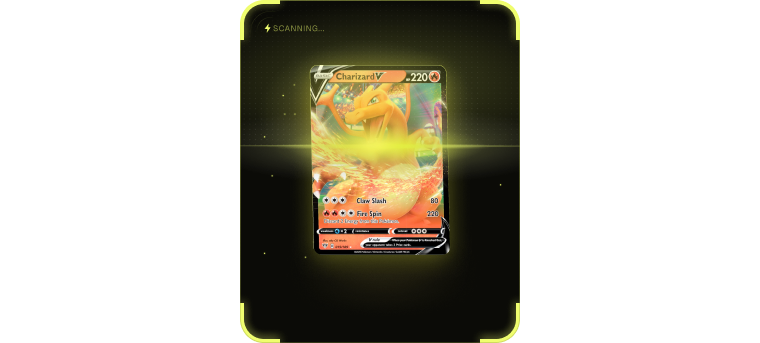
Identify Cards as You Scan.
Image recognition narrows the catalog to likely card matches for you to review.
- Photo-Based Candidate Matching
- Set and Card Number Details
- Printing Review Before Saving
- Batch Scan Queue
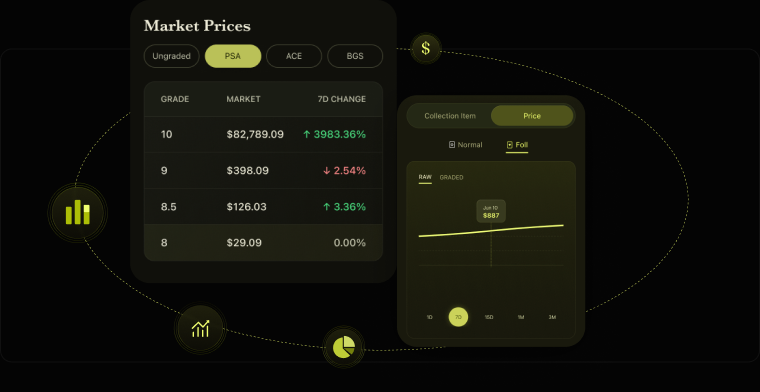
Market Analysis
for Your Cards.
Review available published prices and price history for the exact card you confirmed.
- Published Price Dates
- Price Trend Charts
- Price Comparisons by Grade
- Raw and Graded Price Views
One Collection Across
Supported Games.
Trading Card Scanner
Questions.
What is my card worth?
Scan a card and CardScanFox suggests likely matches from the catalog. Review the set and card number, confirm the finish and language, then choose a raw condition or enter the grade shown on an existing slab to see the relevant market value.
What should I look for in a trading card scanner app?
A useful trading card scanner app should show likely catalog matches for review, keep the set and card number visible, separate raw condition from existing slab grades, and connect confirmed cards to price history and a collection tracker. CardScanFox offers a separate AI pregrading tool for photo-based condition estimates. A scanner match does not authenticate a card or certify its grade.
Which trading card games does the card scanner support?
CardScanFox helps track confirmed records across supported TCG categories. Coverage varies by release, language and printing. Dragon Ball Super and Naruto coverage has not been verified. Check the current catalog before relying on identification or a price; a category guide is not proof that every card is supported.
How does CardScanFox identify a card from a photo?
Point your camera at a card, or select photos from your library. AI recognition suggests matching catalog records with details such as the set and card number. You review the match and confirm fields such as finish and language before adding it.
Can I scan more than one card at a time?
You can queue up to 10 separate camera or gallery images, then review each match before saving. This does not recognize an entire binder page from one photo. Queue capacity is separate from the lifetime allowance of 10 successful free scans; it does not reset or add free scans.
Does CardScanFox work with sports cards?
CardScanFox supports available basketball, baseball and soccer records alongside supported TCG cards. American football coverage has not been confirmed. Check the category and exact printing before relying on identification or a price.
Can I track my collection value over time?
CardScanFox can combine available published prices for your confirmed holdings and quantities, with matching history when it exists. Missing prices remain unavailable, so the total is a reference rather than a complete appraisal or guaranteed sale amount.
Does CardScanFox handle graded cards?
Yes. You can record a card as raw with its condition, or as third-party graded with the grading company and grade, covering PSA, BGS, CGC and SGC. Each is tracked and priced separately, so you can compare what the same card is worth raw versus graded.
Do I need to scan a card to look up its price?
No. You can search the card catalog by name, set or card number and open a matching record to see its current market price, price history and details. Scanning is the faster route when the card is in front of you.
Browse by game and feature.
Trading card games
By feature
Guides
- Ascended Heroes card list and printing guide
- Chaos Rising card list and price reference
- Charizard 151: compare 006/165, 183/165 and 199/165
- Charizard GX: separate Hidden Fates, stamped and promo copies
- Cufant card values: compare the set and full number
- Ivysaur card values: 151 and Base Set are different records
- Mega Charizard X ex: check the Phantasmal Flames printing
- Mew GG10: check Crown Zenith GG10/GG70 before pricing
- Moonbreon: identify Umbreon VMAX 215/203 before pricing
- Phantasmal Flames card list and price reference
- Pikachu card values start with the set and number
- Find a Pokemon card value by its exact printing
- Rayquaza VMAX values depend on the set and card number
- Pokemon TCG set card lists: identify a card before checking its price
- Dungeon Crawler Carl trading cards: Series 1 cards and packs
- Minior Pokemon cards: identify the printing before checking value
- How to scan cards bought at WatsonTCG
- Pokemon 30th anniversary: 30th Celebration cards and prices
- What is my trading card worth?
- Raw vs graded cards, and what grading does to value
- All guides

CardScanFox
Start Tracking Your Collection Today.
Scan the cards you own, understand their market trends, and stay informed about your collection value.